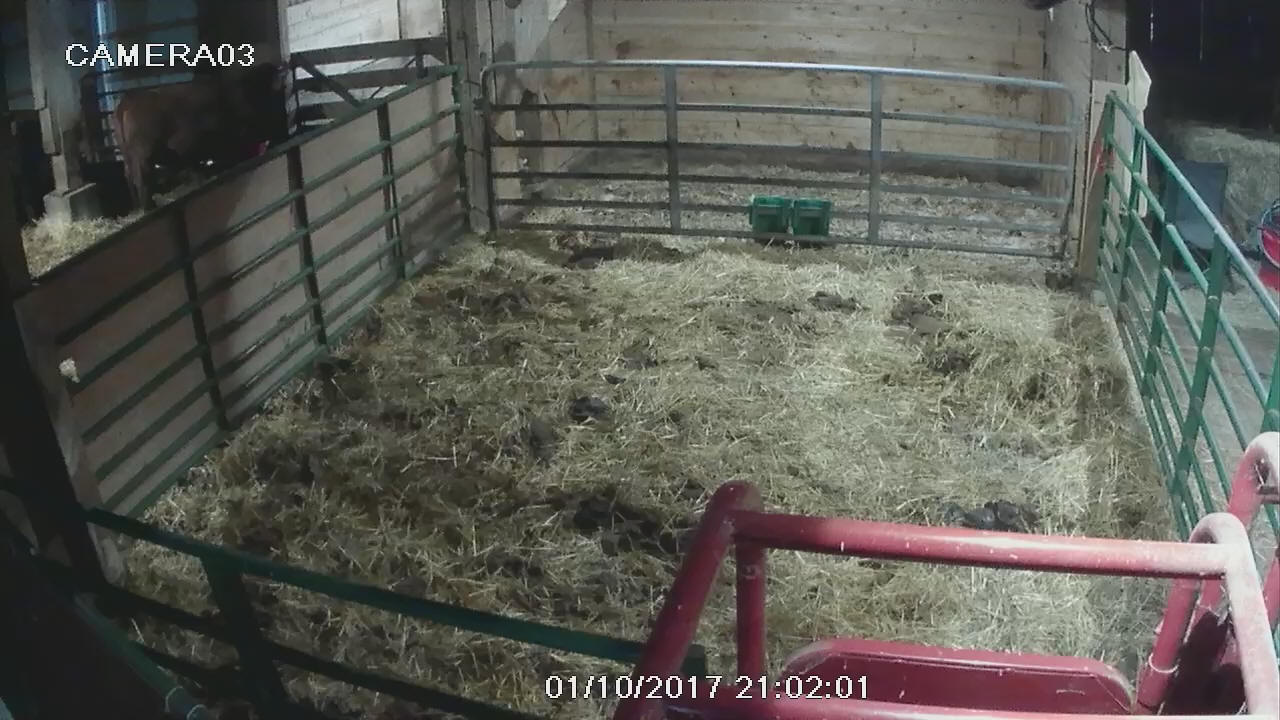
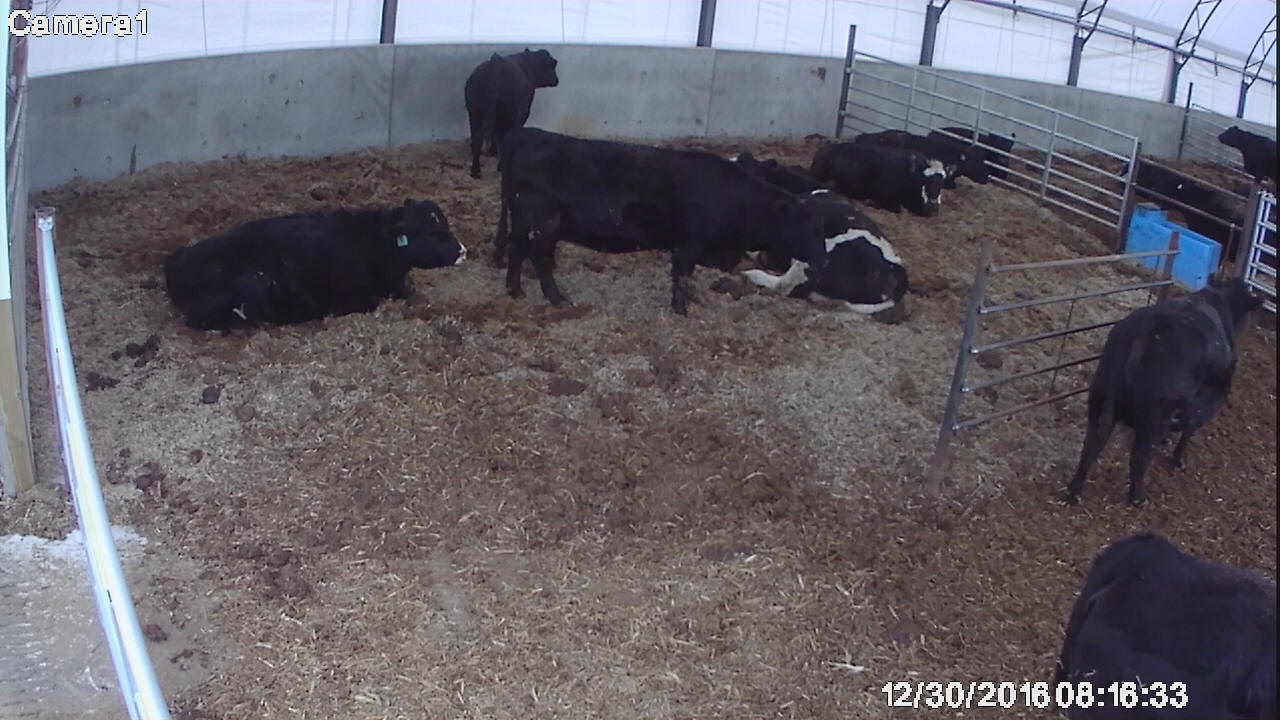
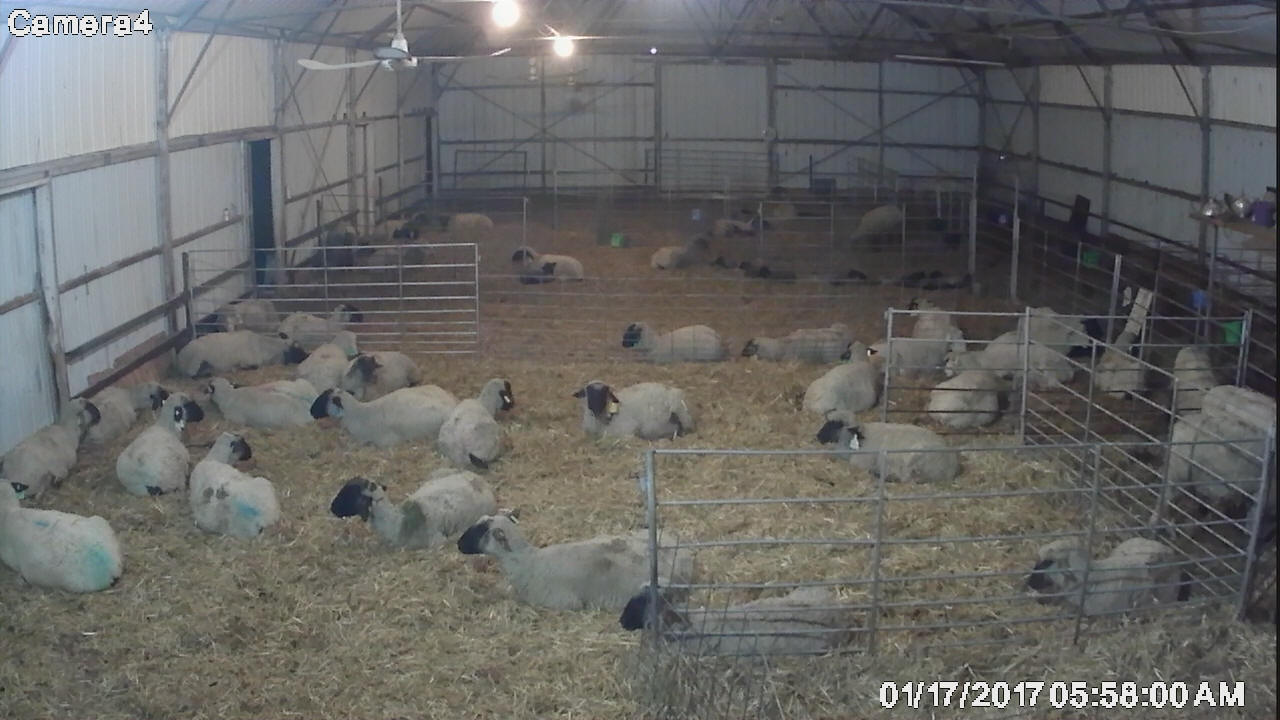
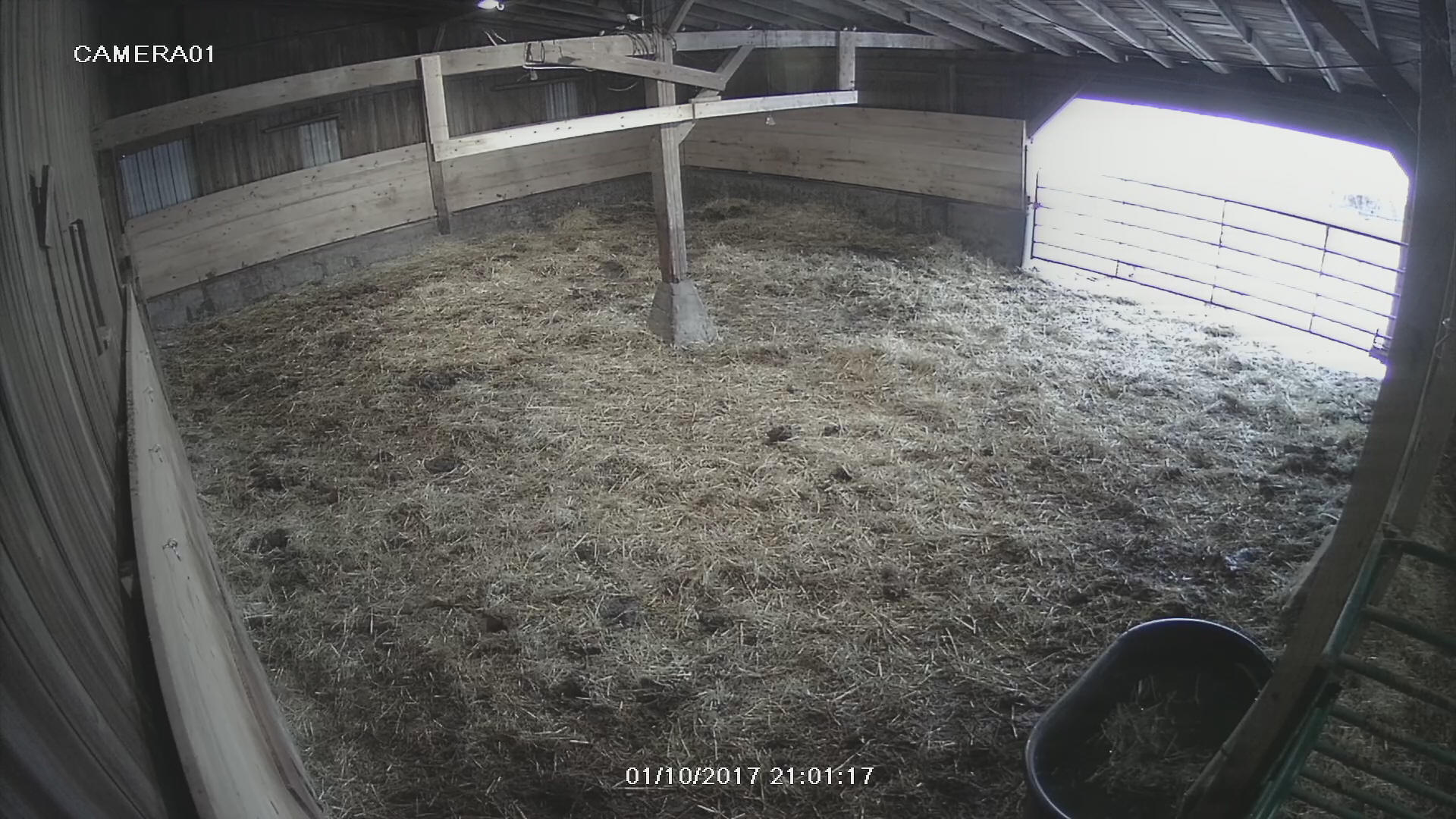
|
High Definition Wireless Network Systems
For 23 years, Riverwind has designed and
sold conventional wireless video systems that displayed straight
to your TV. For the past 6 years, Riverwind has offered a High Definition Wireless
System
that delivers superior video and ease of use straight to your
smart-phones, tablets, laptops and computers. To add phone
connectivity to a traditional system see our
wireless barn camera
page.
This wireless system eliminates some of the
pitfalls of the older video transmission system.
-
Multiple cameras will now display
simultaneously on one screen, you select which you wish to view
full screen. No more camera rotation. This makes
focusing in on one animal much easier.
-
Up to 4, 8 and 16 camera systems.
Order all at once or add to the system over time.
-
Use your old Analog Cameras and
increase their clarity.
-
Add or upgrade to high definition 1080p cameras. You can mix and match with analog
cameras depending on the areas you need to cover.
-
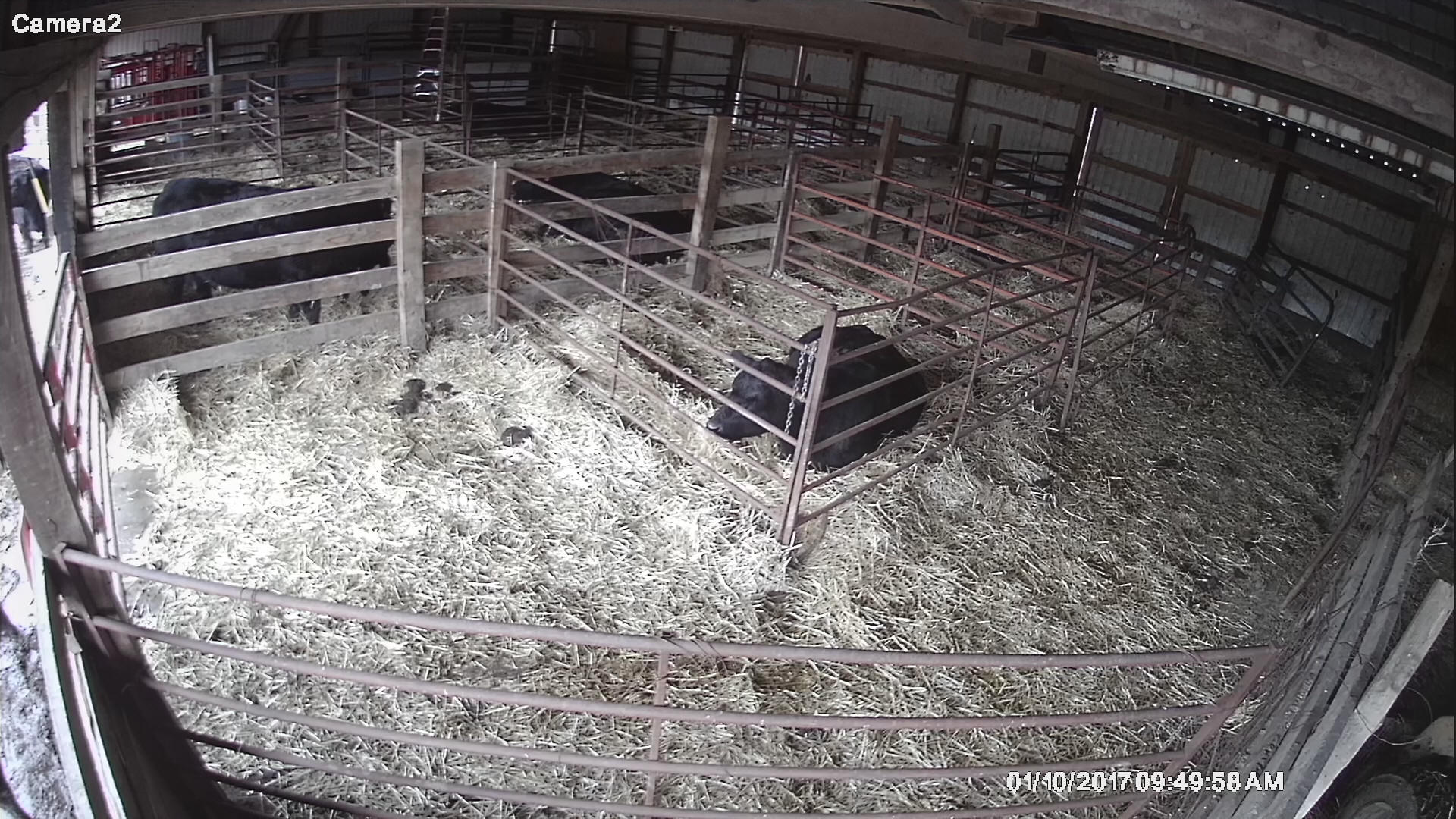
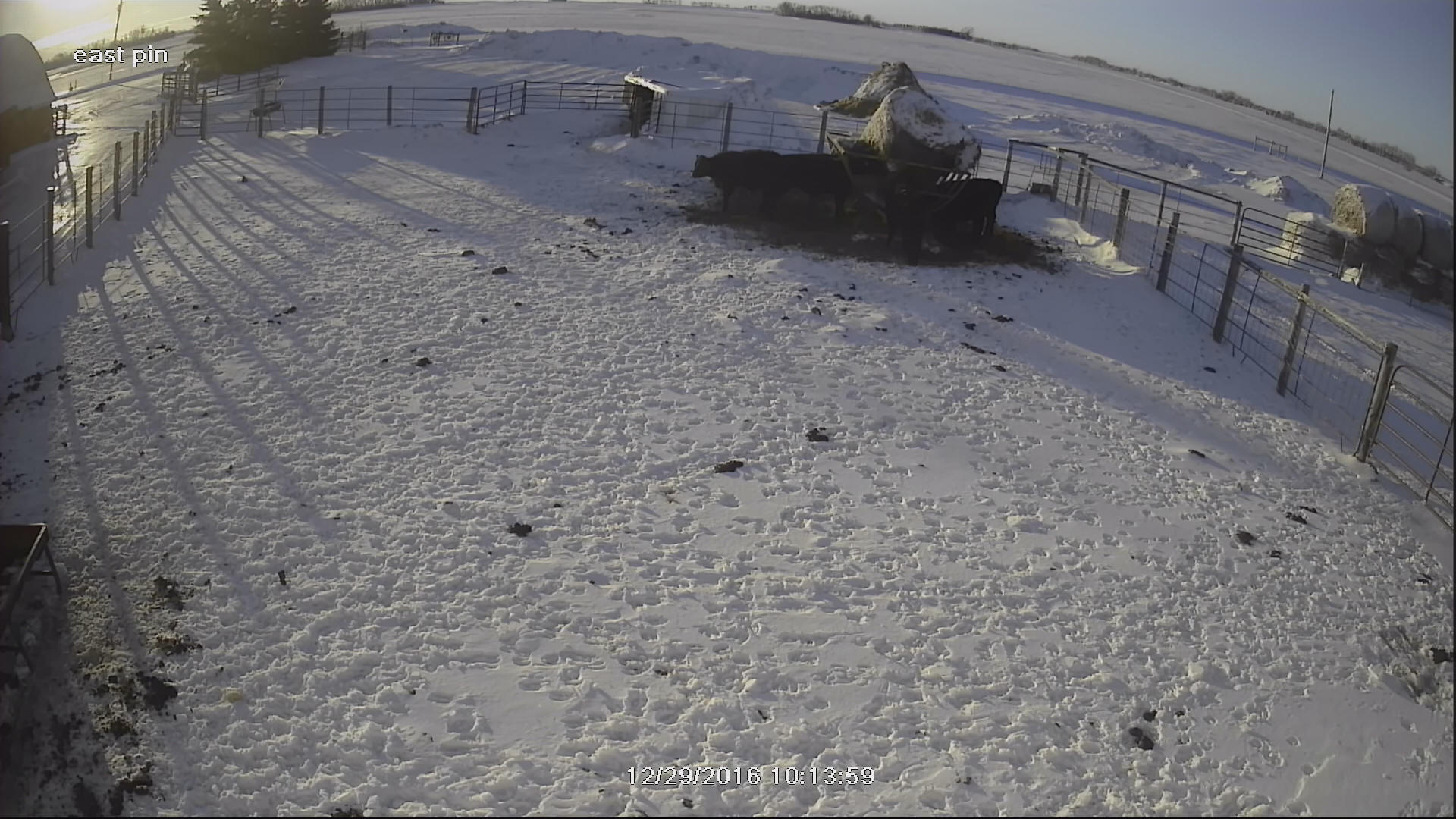
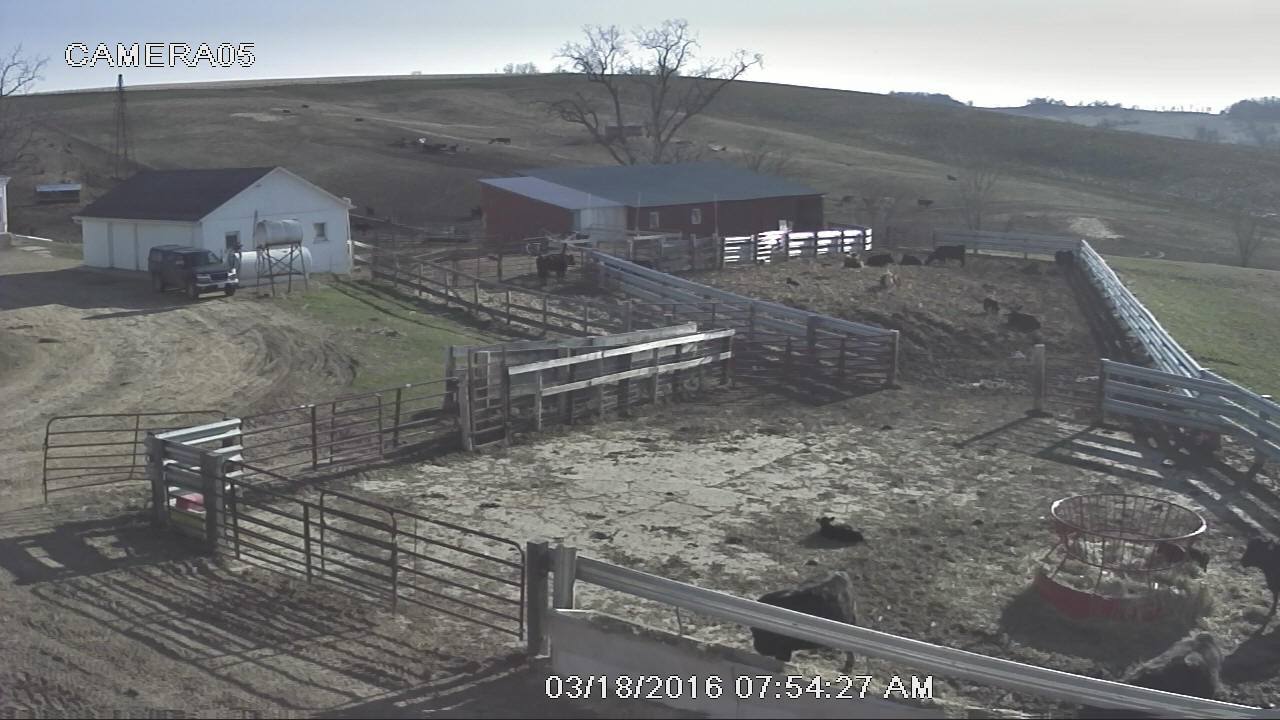
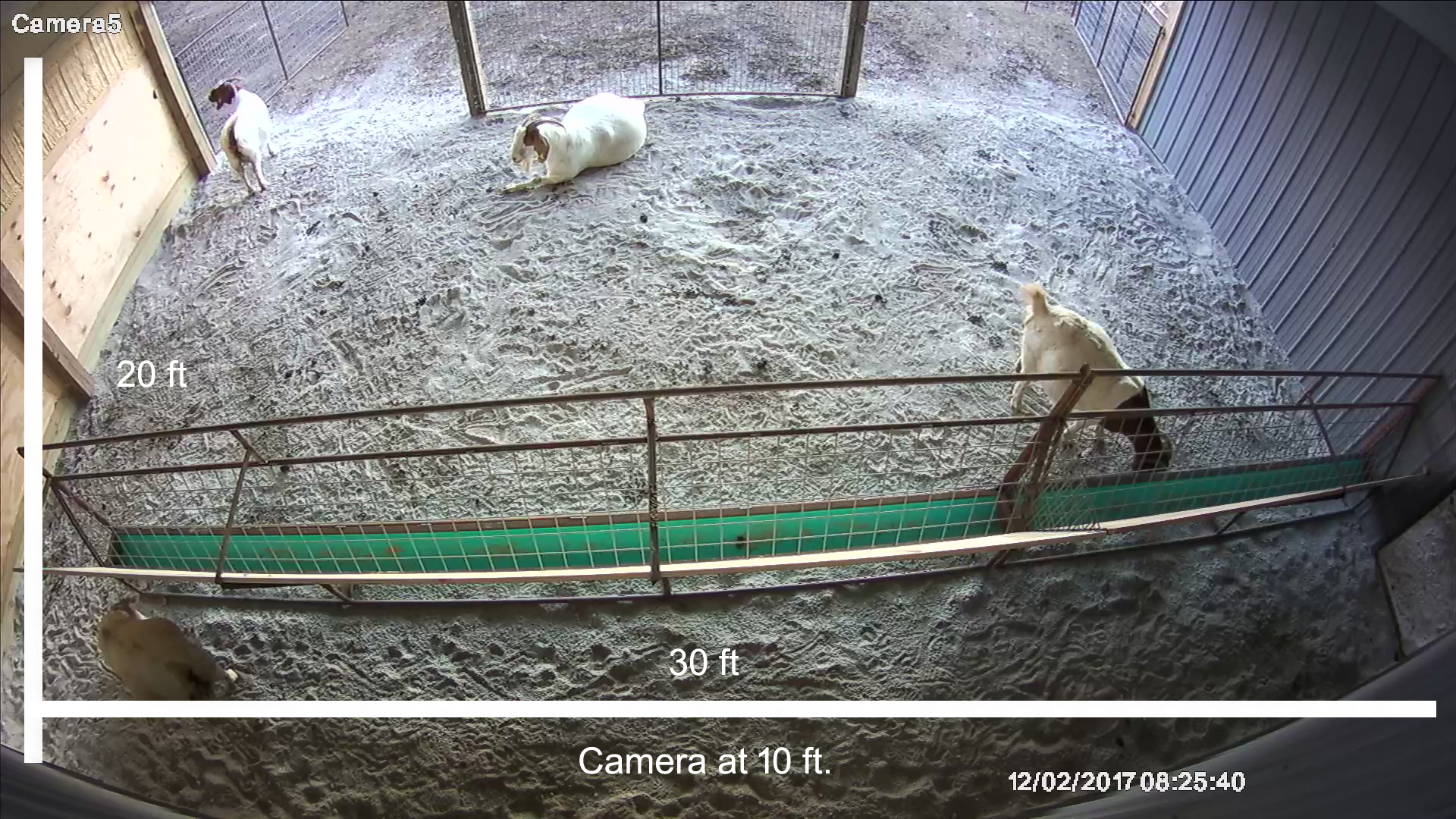
Wide angle 103° and 135° degree field
of view camera options available for a variety of coverage
-
Wireless transmission ranges to 3 miles
line of sight.
-
May be placed off sight if you have
Internet at the barn or at a line of sight location ($309
cheaper than wireless)
-
Includes Riverwind's highly reviewed
remote-in tech setup and support based out of the USA. No need to understand
the router settings. With safe licensed software, we
remote into your PC. When we hang up, you'll be watching
them on your phone or computer.
-
Set-up is
made easy with color coding and tagged video connections.
-
One year warranty with money back
satisfaction guarantee.
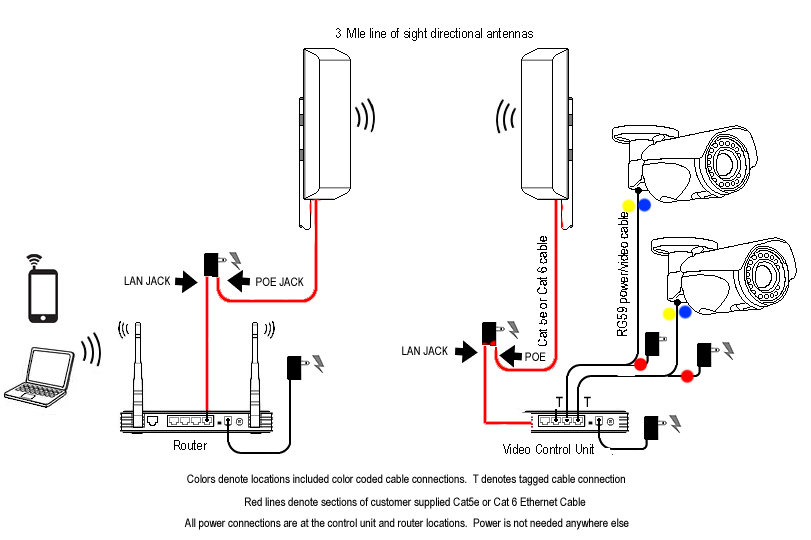
How does it work? Weatherproof
analog or HD analog cameras in or around your barn are cabled to a
digital video control unit. We color code and tag all the
connections for easy setup. This commercial grade cable not
only carries the video, it also feeds power to the cameras.
All power is centrally located at the control unit. This
control center connects to an external weatherproof antenna with
Ethernet/Network cat5 cable. A second weatherproof antenna
mounts outside your home within line of sight of the barn and
connects inside to your router.
Your cameras are now visible on your local
network (won't use data when you are at home), or via the Internet when
you're away. It's best if your Internet uses a router.
Jetpack or hotspots will not directly connect, but can be with 3rd
party devices such as a Wireless Ethernet Adapter ($45 online),
You should test the device to be sure it will connect to your
hotspot, then order the equipment.
The video display on your
Smart-phones and tablets through a free app, and on your Windows
computer through your IE browser. The systems always worked
on mac
but after a recent mac update, the computer blocks a needed
component of the plugin. Hopefully this will soon be fixed so
check with us if this is an issue. Apple phones and iPads
are fine. This system will not
display on your TV unless you connect a laptop or computer to the
TV's VGA or HDMI jack or use a third party device that will mirror
your phone or tablet.
The control unit has no internal moving
parts and is barn friendly although not weatherproof (all other
components are). Full
time or motion recording options are available. The control unit
is placed near an AC outlet. This is the only place in the
barn that you need AC electric. Cameras and Antennas draw
power through the cable from the control unit location.
The customer supplies sections of network
cable locally. These connect the antennas into the router at
the house and the control unit at the barn. This allows you
to make your own cables or buy premade cable to fit your exact
distance needs. If necessary, we will have Ethernet cable
sent to you although it will not be warrantied. Cat5e
Network cable (bulk or premade) can be purchased at any big box
electronic or home improvement store for under $30.
.
Click here for a wiring diagram of the system.
So we don't have to maintain 2 different shopping carts,
this link will take you to our other site's shopping cart. It contains additional
photos but is more tailored for larger pens sizes used by cattle, sheep
and goats. The link will
open in a separate window. You can use the shopping cart to price
the exact system you need. You do not need to enter your
information. Adding your zip code will provide a shipping quote.
As always, don't hesitate to call with questions or to order over the
phone.

|